
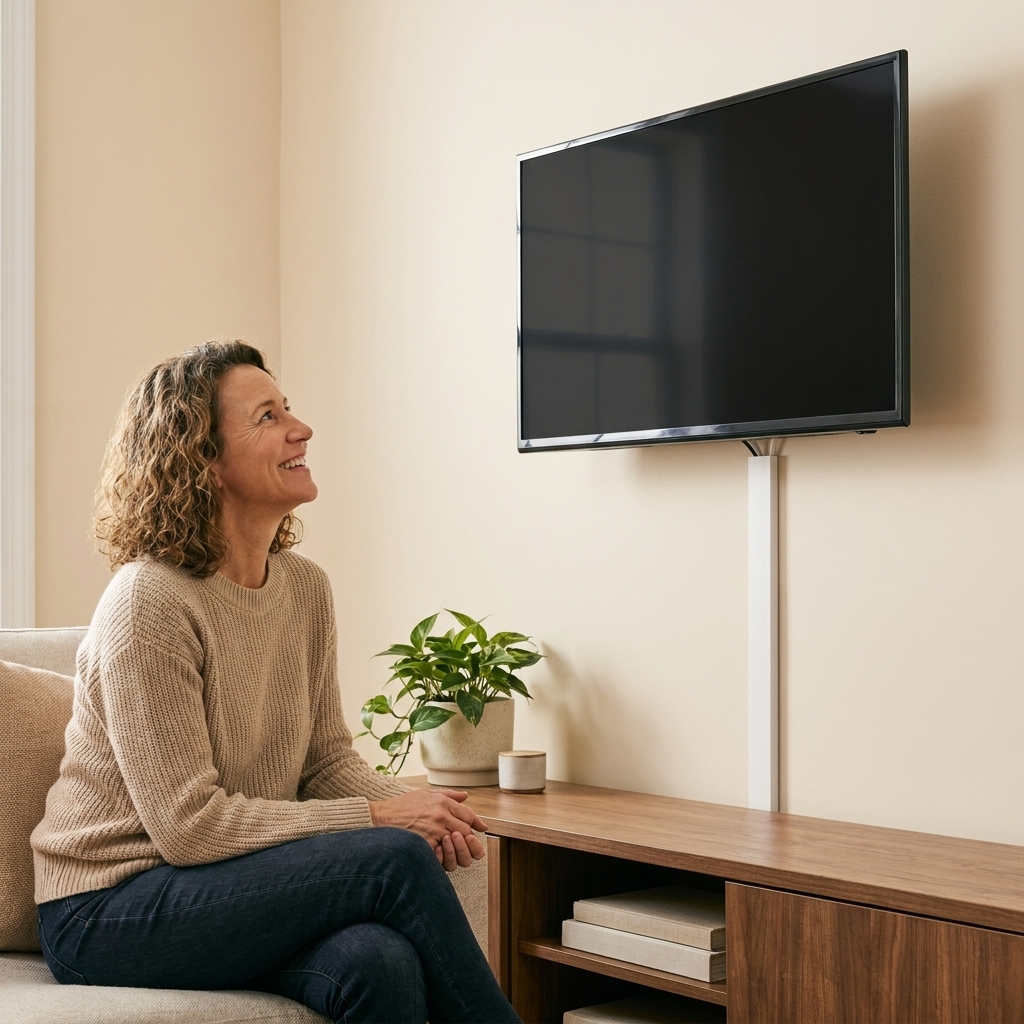
If you have ever crawled behind the TV like a spelunker only to emerge holding a dusty fistful of mystery cords, welcome. I am a reformed messy person, and cable clutter was one of my longest-running nemeses because it is sneaky. Cords are useful, they multiply overnight, and they love to drape themselves right where your eyes land.
The good news: you do not need a perfectly minimalist home to have calm-looking cables. You need two things: a quick way to identify what is what, and a simple way to keep cords in their lanes.
Below are my real-life, step-by-step systems for two hot spots: the TV zone and the charging zone. Choose one area and do just that today. Cable peace is very much a one-corner-at-a-time project.
Before you start: a 10-minute reset
This is the fastest way to stop the cord dread and make every other step easier.
Step 1: Take a quick photo
Snap a picture of the back of your TV setup or your charging area before you unplug anything. This is your safety net for reconnecting.
Step 2: Power down and unplug slowly
- Turn devices off first (TV, console, streaming device).
- Unplug one cord at a time and keep it with its device.
- If something must stay on (like a router), work around it.
Step 3: Untangle and wipe
Lay cords on the floor or table, fully extended. Wipe them down with a dry microfiber cloth. Dust is a big part of why cords look grubbier and messier than they really are.
Step 4: Decide what is leaving
- Old HDMI cords from a device you no longer own
- Mystery chargers that fit nothing
- Frayed cables or loose plugs (recycle e-waste where available)
If you are unsure, put it in a small cord quarantine bag. Stick a strip of painter’s tape on the bag and write today’s date. If you do not reach for it in a month or two (or after your next trip, move, or seasonal swap), you can let it go with confidence.
The tiny toolkit
You can do a lot with very little. These are the tools I actually reuse over and over.
- Labeling: painter’s tape and a marker (fast and good), plus an optional label maker (deeply soothing)
- Bundling: Velcro cable ties (reusable and easy to adjust), plus a cord sleeve or spiral wrap for long runs
- Routing: adhesive cable clips for guiding cords along furniture
- Hiding: a cable raceway for wall runs, a surge protector with a long cord, and a cable management box for the power strip and extra length
Hack 1: Label cords
Labeling is not extra. Labeling is what keeps your system from falling apart the first time someone unplugs the wrong thing.
The easiest method
- Tear off small strips of painter’s tape.
- Wrap a strip near each end of the cord (device end and power end).
- Write what it is: “TV power,” “Soundbar HDMI,” “Roku,” “Switch dock.”
- If it helps, add where it goes: “HDMI 1,” “HDMI 2,” “Wall outlet.”
My rule: label anything that would be annoying to troubleshoot later. That is basically everything behind a TV.
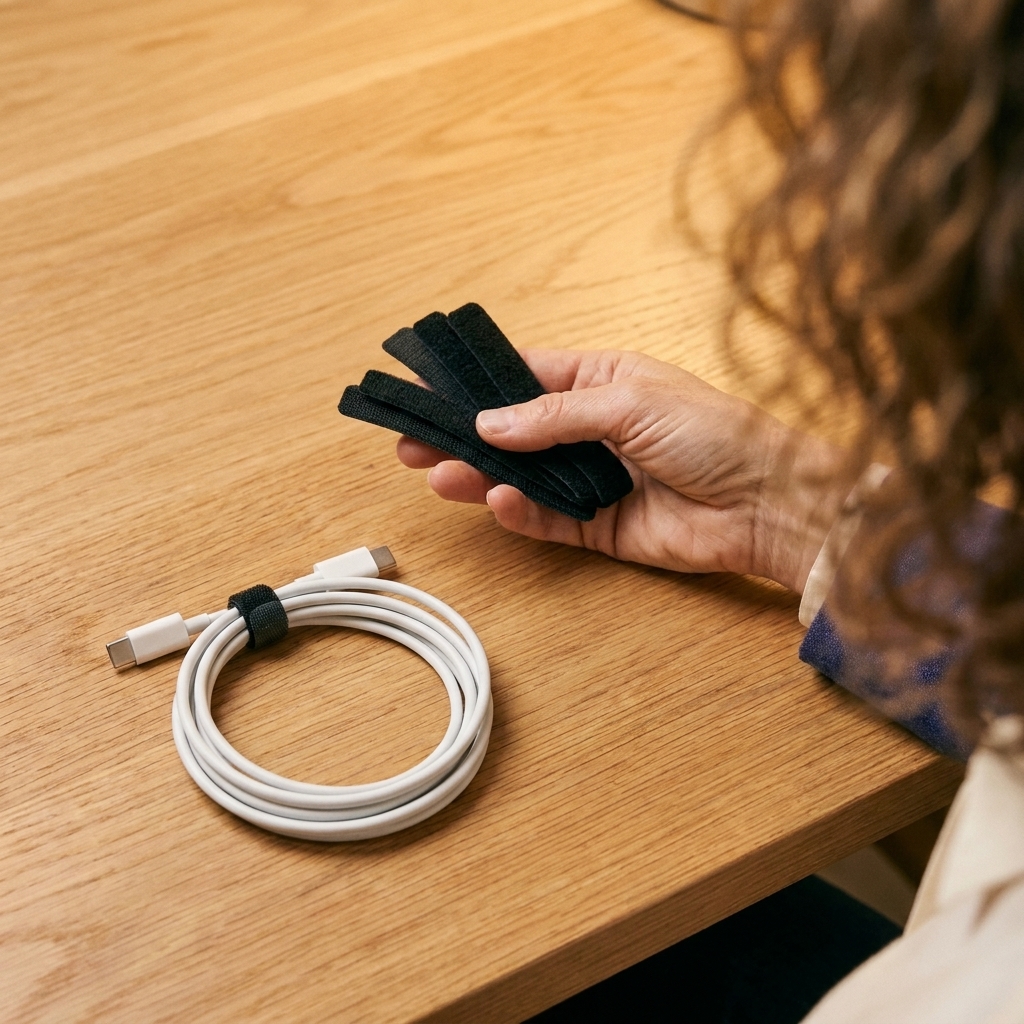
Hack 2: Bundle cords
Bundling is what takes cables from chaotic to intentional.
For a TV or desk
- Bundle A: cords going to the power strip
- Bundle B: HDMI and other signal cords going to the TV
- Bundle C: internet and router cords (if nearby)
Secure each bundle with Velcro ties every 6 to 10 inches. Not too tight. Cords need a little breathing room.
For long runs
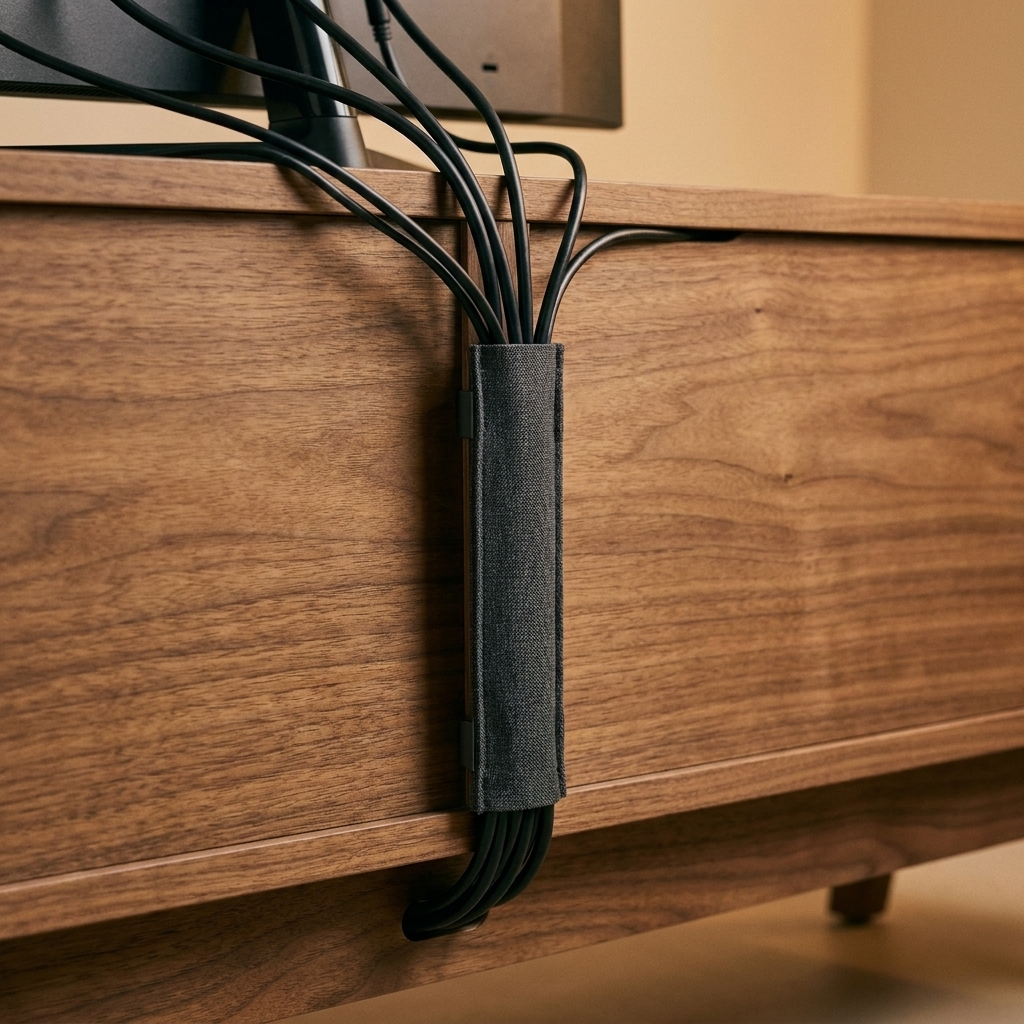
If you have multiple cables traveling the same path (down from a mounted TV, along a desk leg), a cord sleeve or spiral wrap turns them into one clean line.
TV cable fixes
TV areas are the most visually loud because cords are usually in the open and centered in the room. Here are the most effective approaches, from easiest to most polished.
Option 1: Hide cords in the console
If you have a media console, you can make most of the mess disappear without touching the wall.
- Move the power strip into the console (or behind it) and feed the strip’s main cord out the back.
- Use a cable management box to hide the power strip and excess length.
- Route cords through the back using existing holes. If your console has no holes, use the openings near the back or a grommet-style hole saw if you are comfortable.
- Velcro-tie extra length into loose coils and tuck them inside the console, not on the floor.

Option 2: Use adhesive clips
This is perfect for TVs on stands where you can guide the cords down the back of the console leg.
- Clean the surface with rubbing alcohol and let it dry.
- Place clips down the back edge of the console or along the TV stand column.
- Snap cords into the clips, leaving a little slack near ports.
Tip from someone who has had clips pop off mid-week: many adhesives grip better after a little time. Follow the package directions for cure time before you start tugging cords around.
Option 3: Surface raceway on the wall
If your TV is mounted and cords are dangling, a paintable raceway is the easiest “looks like it came this way” fix.
- Choose a raceway wide enough for the cords you need.
- Plan the path straight down to the console or outlet.
- Clean the wall lightly, then attach the raceway using the included adhesive or screws.
- Snap cords inside and close the cover.
- If you want it less noticeable, paint it the wall color after it is installed.
Safety note: Many surface raceways are designed for low-voltage cables (HDMI, ethernet) only. Do not assume you can enclose a TV power cord unless the product is specifically listed and rated for line-voltage use. Always follow the manufacturer’s instructions and your local electrical code. When in doubt, keep the power cord out of the raceway and route it openly behind furniture, or call an electrician.
Option 4: In-wall kit (most seamless)
If you want a truly cord-free look, use an in-wall TV power relocation kit that is UL or ETL listed for in-wall use. This is often a weekend project for confident DIYers, but it is also a great time to hire help and do it once.
One important rule: do not run a standard TV power cord inside the wall. Use a listed kit or a new outlet installed behind the TV by a qualified pro.
Charging station fixes
Charging areas get messy because they are active zones. Hands are moving, devices rotate, and everyone is always in a hurry. Your goal is not “no cords.” Your goal is “cords live here on purpose.”
Step 1: Pick a home base
Choose one spot where charging happens most of the time: kitchen counter corner, entryway console, or a shelf near the living room. If charging is currently happening everywhere, pick the location that annoys you the most and start there.

Step 2: Use a tray or bin
This is the fence. If the cords and devices stay inside the tray, the rest of the surface stays calm.
- A shallow tray for phones and earbuds
- A small bin for power banks and spare cables
- A vertical file holder for tablets (yes, it works)
Step 3: Use fewer bricks
If your station has five wall bricks, it is always going to look stressful.
- Swap to a multi-port USB charging hub or a power strip with USB ports.
- Choose short cables (1 to 3 feet) for stations so you do not have extra loops everywhere.
- If your household uses one phone type, standardize cable type for the station (Lightning, USB-C) and keep just what you need.
Step 4: Park cable ends
My top two “why did I not do this sooner” fixes:
- Cable clips on the tray edge: each cable end stays parked and ready.
- Binder clip hack: clip it to the edge of a shelf and thread the cable through the metal loops.
Step 5: Hide the ugly part
Put the power strip and the cable slack in a cable management box or a lidded bin with a notch at the back. You are not hiding a problem. You are giving it a container.
Extra length, handled
Extra length is what creates that “pile of snakes” look.
- Coil and Velcro: Make a loose coil and secure with a Velcro tie. Leave a little slack so the cable is not stressed.
- Shorten at the source: Use shorter cables where possible, especially for charging stations.
- Store slack in the right place: Inside the console or cable box, not behind the TV where it will fall and tangle again.
Heat, airflow, and pets
A few quick safety and sanity checks that make a real difference:
- Let hot devices breathe: Do not pack cords tightly around game consoles, receivers, or anything with vents. Keep bundles loose and avoid blocking airflow.
- Avoid tight mega-bundles: Power cords and low-voltage cables can run near each other in a normal home setup, but keeping things loosely grouped (and not clamped into one brick) makes troubleshooting easier and helps reduce heat buildup.
- Kid and pet proof when needed: If you have a chewer or a toe-stubber, prioritize cord covers along baseboards, keep power strips off the floor when possible, and anchor loose cords so they cannot be yanked.
Room-by-room fixes
Living room
- Put the power strip inside the media console
- Raceway for wall-mounted TVs (use the right rating)
- Velcro-tie cords by destination
Home office
- Mount a power strip under the desk with screws or heavy-duty strips
- Use cable clips along the back edge of the desk
- One cable sleeve down a desk leg to the outlet
Bedroom
- Command-style cord clips on the nightstand back
- Short cable for phone charging so it does not puddle on the floor
- A small tray to catch phone, watch, and earbuds
Entryway
- A lidded box for the power strip
- A dedicated charging shelf so devices do not migrate to the floor
- Label the cables so guests do not unplug something important
Mistakes to avoid
- Bundling everything into one mega-bundle: It looks tidy until you need to change one device. Bundle by destination instead.
- Skipping labels: You will regret it the next time the Wi-Fi hiccups and you unplug the wrong thing.
- Using twist ties forever: They are fine in a pinch, but Velcro is easier to adjust and kinder to cords.
- Over-tightening: Cables should not be kinked or pulled hard against a port.
- No reset routine: Even good systems need a tiny check-in.
5-minute weekly upkeep
This is how you keep cord clutter from creeping back in.
- Put stray chargers back into the charging station tray.
- Re-seat cable ends into their clips so nothing is dangling.
- Check for new mystery cords and label them immediately.
- Wipe the surface and call it done.
That is it. Five minutes buys you weeks of visual quiet.
FAQ
What is the easiest way to hide TV cords without cutting into the wall?
Use a surface raceway for the wall run and a cable management box inside the media console for the power strip and slack. Just make sure the raceway is appropriate for what you are putting inside it (many are low-voltage only).
How do I label cords without a label maker?
Painter’s tape works beautifully. Wrap a small flag of tape near each end and write the device name and input (like HDMI 1). It is fast, readable, and easy to replace.
How do I keep a charging station from turning into a tangled pile?
Define the station with a tray, switch to short cables, and park cable ends in clips so they do not slide off the surface. Hide the power strip and slack in a lidded cable box.
Is it safe to bundle cords together?
For typical home electronics, loosely bundling low-voltage cables (HDMI, USB) is generally fine. Avoid tight bends, do not compress cords, and keep bundles loose around devices that run hot. For line-voltage power cords, in-wall solutions, and anything code-related, follow product instructions and local electrical rules, and call an electrician if you are unsure.
Your next step
If you are staring at a cord jungle right now, pick one: label everything behind the TV or set up a tray-based charging station. Either one will make your home feel calmer by tonight, and that is the whole point.