If your home office paperwork has reached “I can’t find anything but I also can’t throw anything away” status, you’re in the right place. I have been there. Like, digging through a leaning tower of mail to find one receipt while promising myself I’ll deal with it “this weekend.” Been there.
The 4-Box Method is my favorite way to break paper chaos into a few clear decisions. It’s fast, it’s forgiving, and it doesn’t require you to become a filing cabinet person overnight. It just gives you guardrails to run on.
What the 4-Box Method is
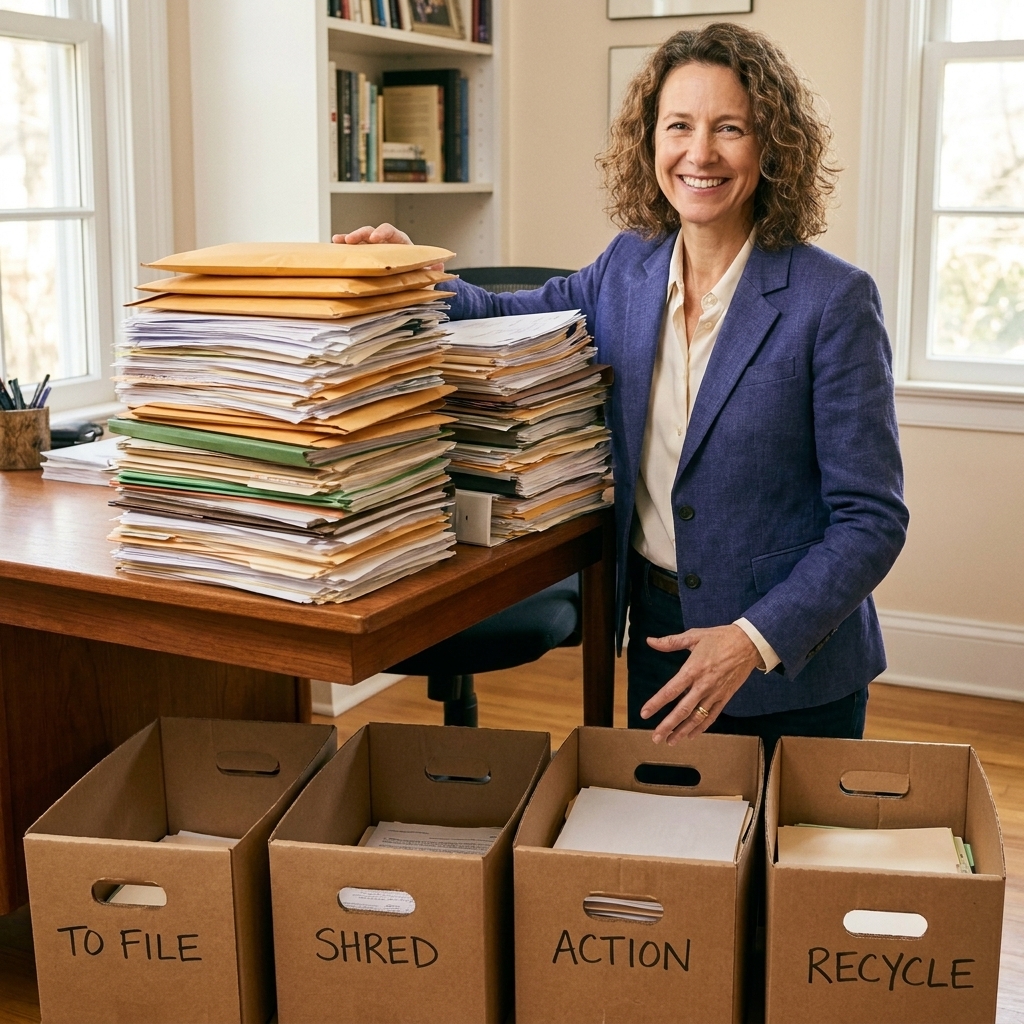
The 4-Box Method is exactly what it sounds like: you grab four boxes (or bins, laundry baskets, banker’s boxes, even tote bags) and you sort every paper into one of four categories.
Why it works for paper is simple: paper piles feel emotional and complicated, but the decisions are usually not. The boxes keep you from re-reading every page like it’s a diary entry from 2009.
Your four boxes
- Action: Needs something done soon.
- File: You will keep it, but it does not need action.
- Shred/Recycle: Sensitive stuff to shred, everything else to recycle.
- Relocate: Paper that belongs somewhere else in the house (kid papers, manuals, medical items headed to your health binder, etc.).
That’s it. No “maybe” pile. No “I’ll decide later” stack. The method is the decision.
Set up in 10 minutes
Before you touch a single paper, set yourself up so you can move quickly. This is the part that keeps you from making an even bigger mess.
What to grab
- 4 boxes or bins
- A thick black marker (label the boxes big)
- Trash bag and a recycling bin
- A shredder or a “shred later” bag if you use a shred service
- Paper clips or binder clips (optional, for keeping small sets together)
- A timer
Where to set up
Work near your shredder if you have one. If you don’t, work near the door so your “shred later” bag and recycling can exit your house immediately after.
My reformed-messy tip: Clear a “landing zone” first. A completely empty corner of your desk or table is enough. You do not need a Pinterest-worthy workspace to do this.
Sort the whole pile
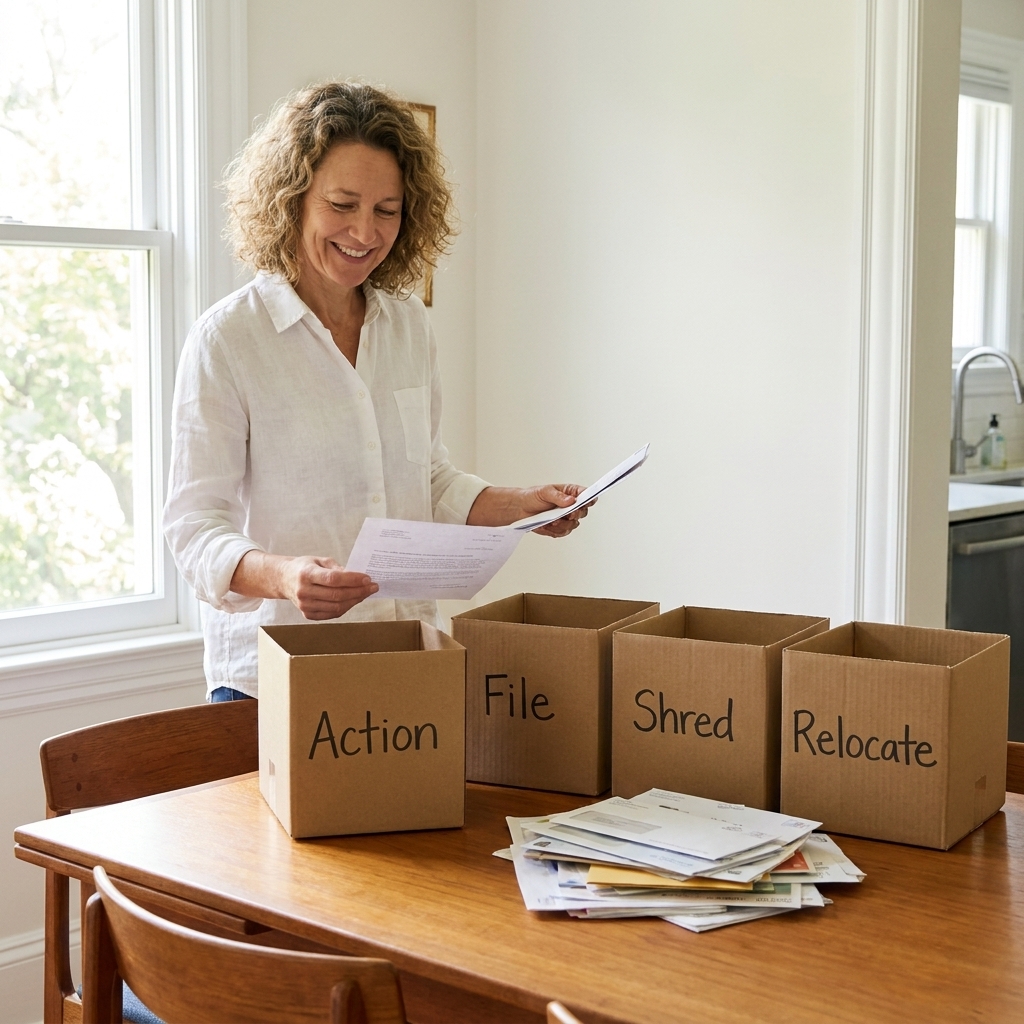
Here’s the core rule: pick up one paper at a time and place it in a box. No sitting down to read. No reminiscing. No googling whether you still need a water bill from 2016. We’re sorting first.
Step 1: Start with the newest
Newer paper is easier because it’s still familiar. Grab the top of the pile or the most recent mail stack and go.
Step 2: Touch each sheet once
As you pick up each item, ask:
- Do I need to do something? Put it in Action.
- Do I need to keep it? Put it in File.
- Is it trash, outdated, or sensitive? Put it in Shred/Recycle.
- Does this belong in another room or system? Put it in Relocate.
Step 3: Use a timer
Set a 20-minute timer. Sort fast until it goes off. Take a 5-minute break. Repeat if you have energy. Paper sorting is surprisingly tiring because it’s decision-heavy.
Important: Do not start filing while you sort. Filing is a different brain mode and it will slow you down.
Box 1: Action
The Action box is where paper goes to become a to-do list. If you do not tame this box, paper will creep back in.
Make mini piles
- Pay: bills, invoices, fines
- Reply: forms, school items, RSVP cards
- Schedule: appointments, renewals, due dates
- Decide: quotes, estimates, insurance choices
Set up an Action Station
You need one dedicated spot where Action papers live while they’re in progress.
- Best simple setup: a two-pocket folder labeled “To Do” and “Waiting On”
- Upgraded setup: a 3-slot vertical file sorter labeled “To Do,” “Waiting On,” “To File”
If you do nothing else, create one home for papers that are still alive.

Box 2: File
This is where people get stuck because they think filing has to be perfect. It doesn’t. Your filing system only needs to do two things: help you find what you need and be easy enough that you’ll use it.
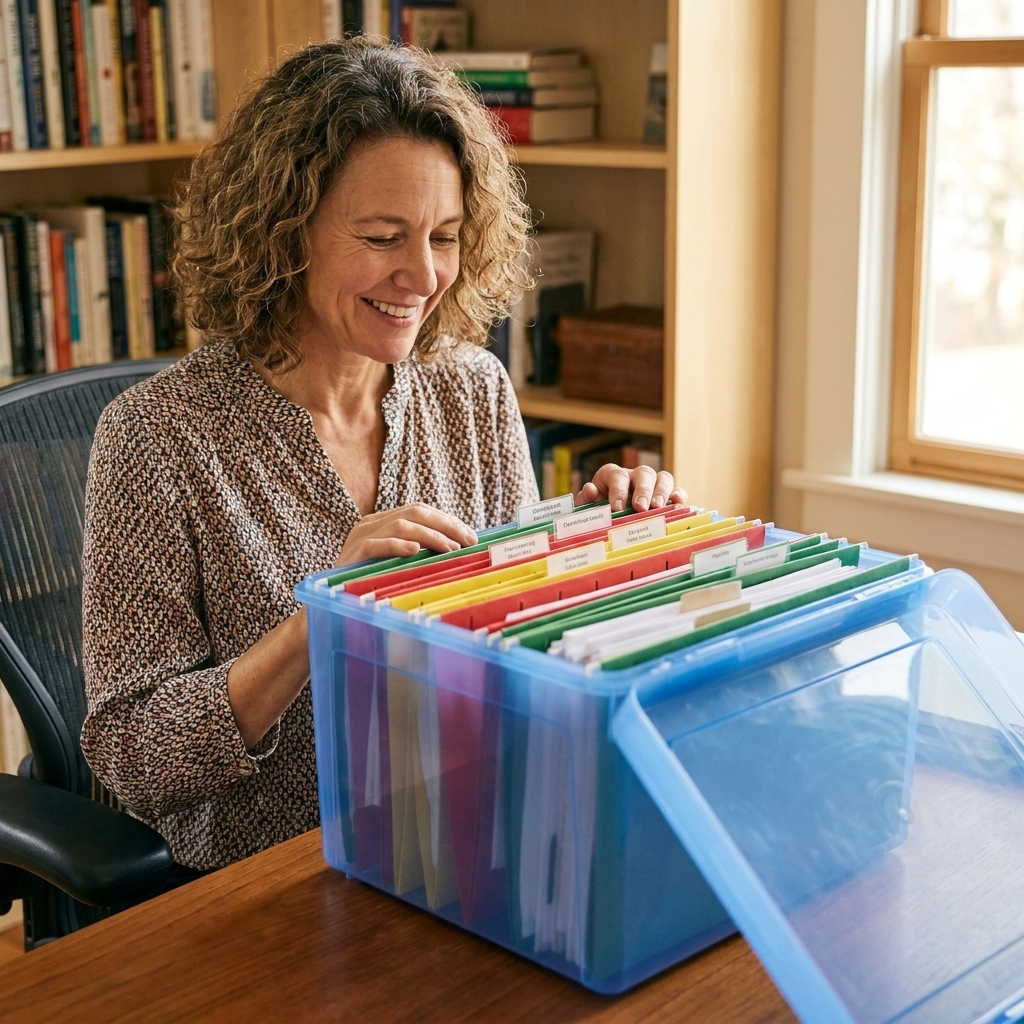
Pick one filing style
Option A: Hanging file drawer (classic, great for volume).
Option B: Portable file box (great for small homes, renters, or if your “office” is a corner).
Option C: Binder system (great for very small paper amounts, like household reference).
Start broad
Skip micro-categories unless you love them. Broad is better for real life.
- Home (mortgage/lease, HOA, home improvements)
- Utilities (often current year is enough; keep longer if you need proof of address, deductions, or support for a dispute)
- Taxes (current year plus past returns)
- Banking (as needed)
- Insurance (home, auto, life)
- Medical (records you’re keeping, ongoing care, disputes)
- Kids/School (the keepers, not every worksheet)
- Work (if applicable)
- Receipts/Warranties (only what supports a return, warranty, insurance claim, or taxes)
File by “where you’d look first”
If you’d search for it under “Car,” don’t file it under “Insurance.” If you’d search under “Taxes,” don’t file it under “Receipts.” Your brain is the filing system.
If your backlog spans years
If your pile covers multiple years, do not try to create the perfect archive in one sitting. During the first pass, focus on the four boxes. When you start filing, group by year first if it helps (like “Taxes 2024,” “Home 2023”), then refine later.
Box 3: Shred/Recycle
This box is where you win back space fast. The trick is knowing what’s sensitive and what’s just clutter wearing a serious outfit.
Shred these
- Anything with your Social Security number, full account numbers, or full credit card numbers
- Tax documents you are discarding (old supporting paperwork you no longer need)
- Pay stubs you are not keeping
- Medical bills or statements with personal details
- Insurance documents with policy numbers when no longer needed
- Old checks, deposit slips, or bank statements you do not need
- Any document with passwords, security questions, or login details
- Pre-approved credit offers
Recycle these
- Junk mail (once you’ve checked it’s not something you actually need)
- Generic flyers and catalogs
- Old instructions you can easily find online (unless it’s for something you’ll service often)
- Envelopes and cover pages without sensitive info
- Outdated school notices, expired coupons, old event flyers
Do not shred these
- Birth certificates, Social Security cards, passports, immigration papers, marriage certificates, and adoption records
- Property deeds, vehicle titles, wills, trusts, and power of attorney documents
- Anything tied to an active tax matter, audit window, legal issue, insurance claim, warranty, or dispute
If you are unsure
If it has personal info and you do not need it, shred it. Just do not shred anything that could be needed for taxes, an active dispute, a warranty, property ownership, immigration, or other legal situations. When in doubt, keep it in File until you confirm.

Box 4: Relocate
The Relocate box is where paper goes when it is not an office job.
Examples:
- School art and certificates that belong in a kid keepsake bin
- Manuals that belong in your home maintenance folder
- Medical notes that belong in your health binder
- Recipes you want to keep that belong in the kitchen system
Rule: When you finish, physically walk this box to the correct room and empty it. Do not set it in the hallway. Hallways are where Relocate boxes go to die.
Keep it under control
Decluttering paper once is great. Keeping it under control is the real win. Here’s a simple, sustainable paper flow.
Create a Paper Inbox
You need one container where incoming paper lands. One. Not the counter, the desk, the chair, and the random basket on the stairs.
- A slim tray on your desk
- A wall-mounted folder near the entry
- A lidded bin if visual clutter stresses you out
Do a weekly Paper Reset
Pick a day you can actually stick to. Mine is Sunday afternoon with a drink I like and a timer.
- Process the inbox
- Pay or schedule what’s due
- Shred/recycle what’s trash
- File what you are keeping
Many households can keep paper tame with 15 to 30 minutes a week once the backlog is gone, your system is set up, and most bills are digital.
Use a Pending folder
This is where papers go that you cannot complete yet. Think: waiting on a reimbursement, a contractor quote, a signature, a replacement card.
A single Pending folder prevents the dreaded re-pile.
Digitize (when it helps)
If paper is your kryptonite, scanning can be a game-changer. The goal is not to scan every coupon. It’s to make important things searchable and backed up.
What to scan
- Receipts tied to warranties, insurance, taxes, or returns
- Medical paperwork you may need later
- Manuals you do not need in paper form
- Signed contracts you want easy access to
Where to store it
Use a cloud folder you can access anywhere, and back it up. Keep file names simple (like “Car Insurance 2026” or “Water Heater Warranty”).
What still needs originals
Some documents still require originals or are simply safer to keep in paper form, like passports, birth certificates, deeds, titles, and estate documents.
How long to keep paperwork
I’m not a tax professional, and retention rules vary by country, state, and situation. But I can give you a practical household baseline so you are not keeping every utility bill like it’s a historical document.
A keep-or-toss guide
- Tax returns and key tax documents: keep according to your local guidelines and your accountant’s advice. Many people keep returns for multiple years, sometimes longer if special situations apply.
- Receipts: keep only if they support a return, warranty, insurance claim, or taxes.
- Bank statements: keep what you need for taxes, major purchases, lending, immigration, or legal documentation. If you rely on online banking, consider downloading PDFs for the records you may need, then shred paper copies you do not need.
- Pay stubs: keep until you confirm your W-2 or annual statement is accurate, and longer if you expect a loan application, benefits verification, or an earnings dispute.
- Medical statements: keep what supports insurance disputes, HSA documentation, ongoing care, or tax deductions. Otherwise, shred.
- Home and vehicle records: keep while you own the home or car, plus longer if needed for sale, taxes, or warranty history.
When in doubt, keep the truly important stuff and let the rest go. Your brain will feel the difference immediately.
Quick troubleshoot
I get stuck on “What if I need this?”
Give yourself a rule: if it is not legally important, financially meaningful, medically relevant, related to property ownership, or tied to an active warranty or dispute, it does not get to take up permanent space in your home.
I have too much to do in one day
Do it in rounds:
- Round 1: sort only
- Round 2: shred/recycle everything you can
- Round 3: set up Action Station
- Round 4: file what’s left
Progress beats perfection every single time.
My family keeps adding to the pile
Put the Paper Inbox somewhere obvious and easy. Then teach one rule: all paper goes in the inbox, not on the counter.
Checklist: 4-Box Reset
- Label 4 boxes: Action, File, Shred/Recycle, Relocate
- Set a 20-minute timer
- Sort one paper at a time, no filing yet
- Empty Shred/Recycle first
- Create an Action Station (To Do, Waiting On)
- Set up simple file categories
- Walk Relocate to the right rooms
- Choose a weekly Paper Reset day
If you want the peaceful version of a home office, it’s not fewer responsibilities. It’s fewer loose papers. The 4-Box Method gets you there without requiring you to become a different person.